Bring Throne Mouse Set
P5 converter
€21,48
Passer aux informations sur le produit


Bring Throne Mouse Set
€21,48
Taxes incluses.
Expédition calculée lors du paiement.
Bluetooth game converter
PUBG Bluetooth keyboard
product description:
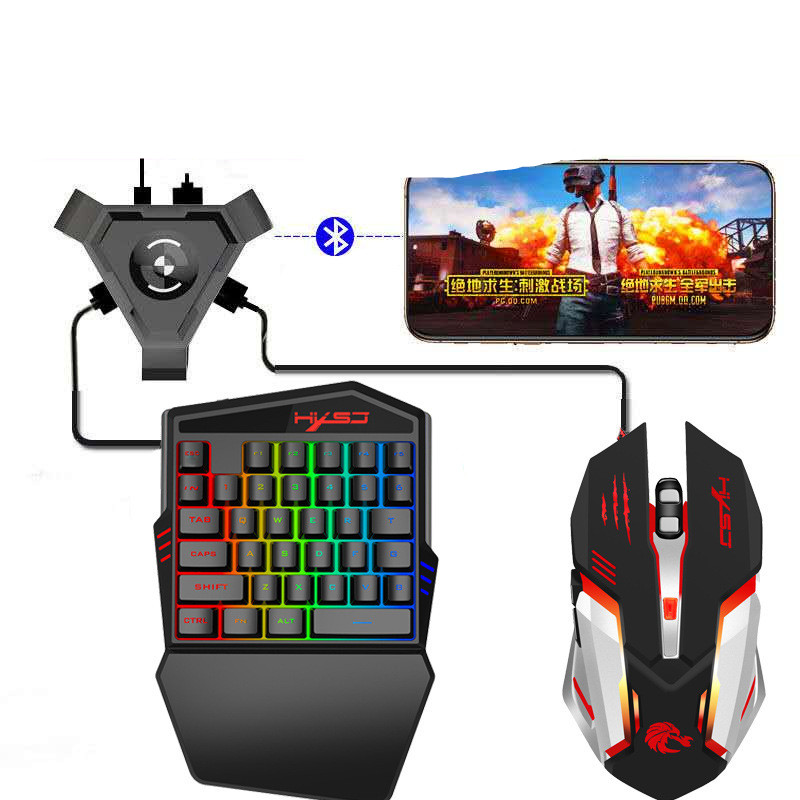
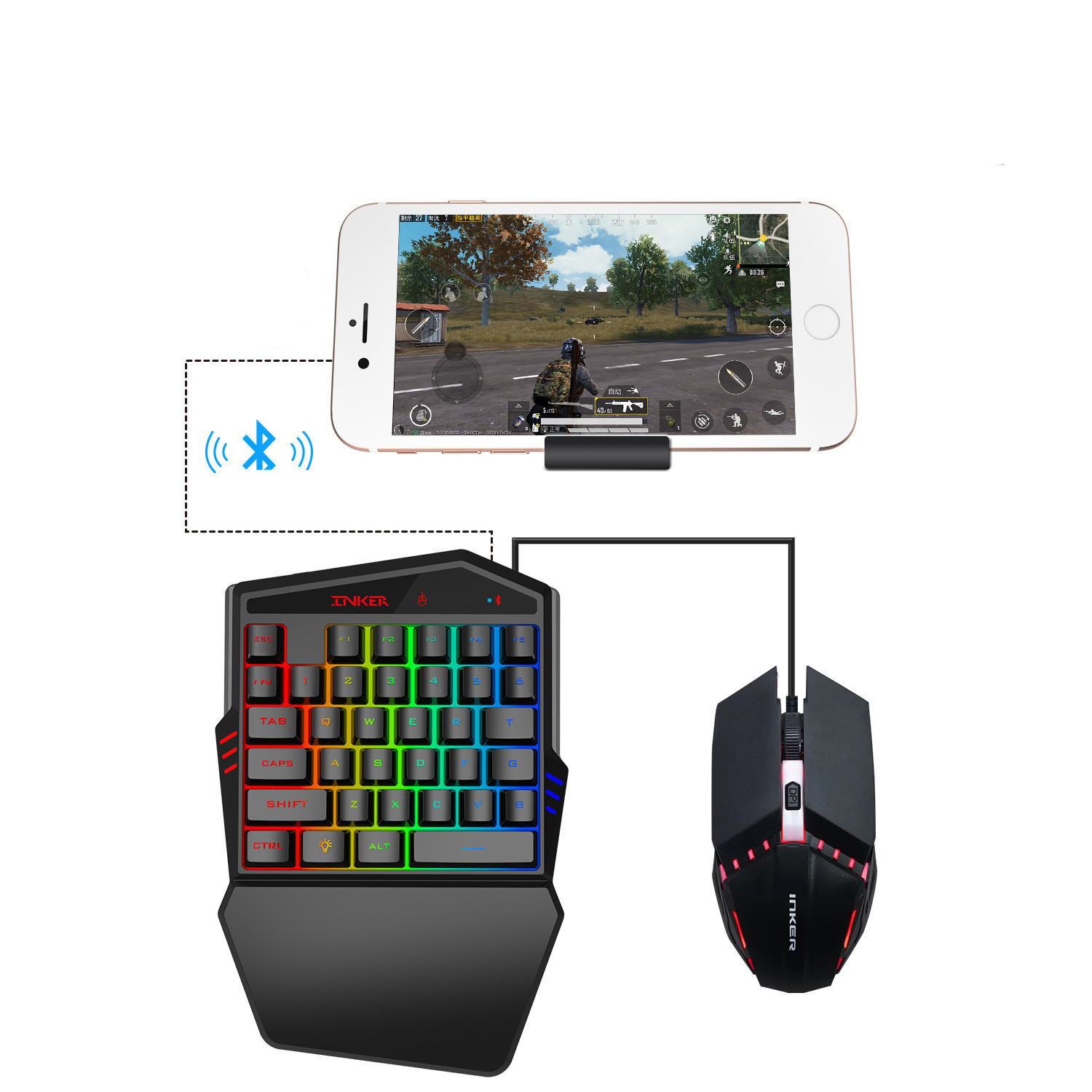
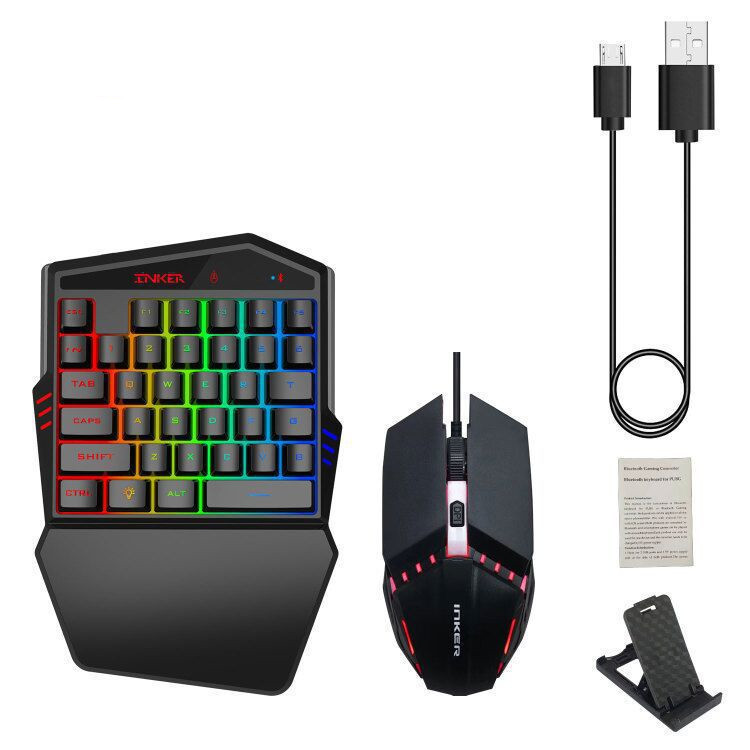
This manual is a description of the Bluetooth keyboard of PUBG or Bluetooth game console. Both products are suitable for all products
Smartphone/tablet with Android 5.0 or IOS system. Both products are connected via Bluetooth, and smartphone games can be played with a mouse and keyboard. Each product can only be used for one device, the converter needs to be charged by a 5V power supply.
Features:
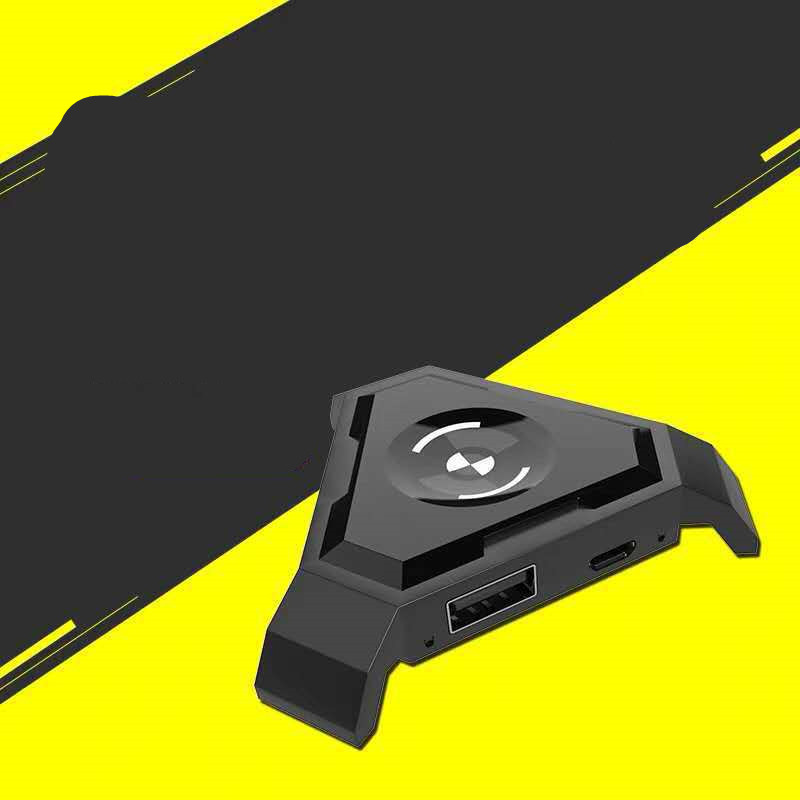
1. The two products have 2 USB ports and 1 5V power port on the side. The power supply or mouse and keyboard should be connected to the port according to the laser marking above. Other USB ports can only be used to charge the device. Before playing the game, open the mobile phone pause window to limit the game and APP driver. Before Bluetooth connection, it should be based on your mobile mode. Press Ctrl 1 on the Android phone to switch to Android mode. Press Ctrl 2 on the iPhone device to switch to IOS mode. (Note: Before connecting to Bluetooth, usually the LED mode indicator will flash when switching modes.
2. The button preset is the default in the game, usually you can enjoy the game without installing the driver, it is subject to the default
Button operation in the game, the default button presets are as follows: Gtrl F1 PUBG, Gtrl F2 PUBG-the whole army attack Gtrl F3 Knives Out, Gtrl F4 survival rules, Gtrl F5 CF-Wild training.
note:
1. Bluetooth indicator: The indicator of the Bluetooth device will flash after power on, and will remain on after the indicator is on
Connect Bluetooth.
2. Keyboard and mouse USB channel indicator lights when USB is plugged in.